The best social media planner of 2026: 6 tools compared
-
Tips & Strategy

You know you should be active on social media, but you don't have hours each week to come up with content, design visuals and schedule posts. That's why you're looking for a social media planner — a tool that takes the work off your hands. But which one do you choose? There are dozens of options, each with their own promises. In this article we compare six popular tools and show which one fits best for entrepreneurs who want to save time without sacrificing quality.
What to look for in a social media planner
Not every tool is the same. According to Sprout Social, these are the most important criteria when choosing a social media tool:
- Content creation — Does the tool help you create content, or do you have to provide everything yourself?
- Supported channels — Can you connect all your social media accounts?
- Ease of use — How quickly can you get started?
- Pricing — Does it fit within your budget as an entrepreneur or small business?
- AI features — Can the tool generate content for you or just schedule it?
With these criteria in mind, let's look at six tools you'll likely come across in your search.
1. PostSimple — the all-in-one tool for entrepreneurs
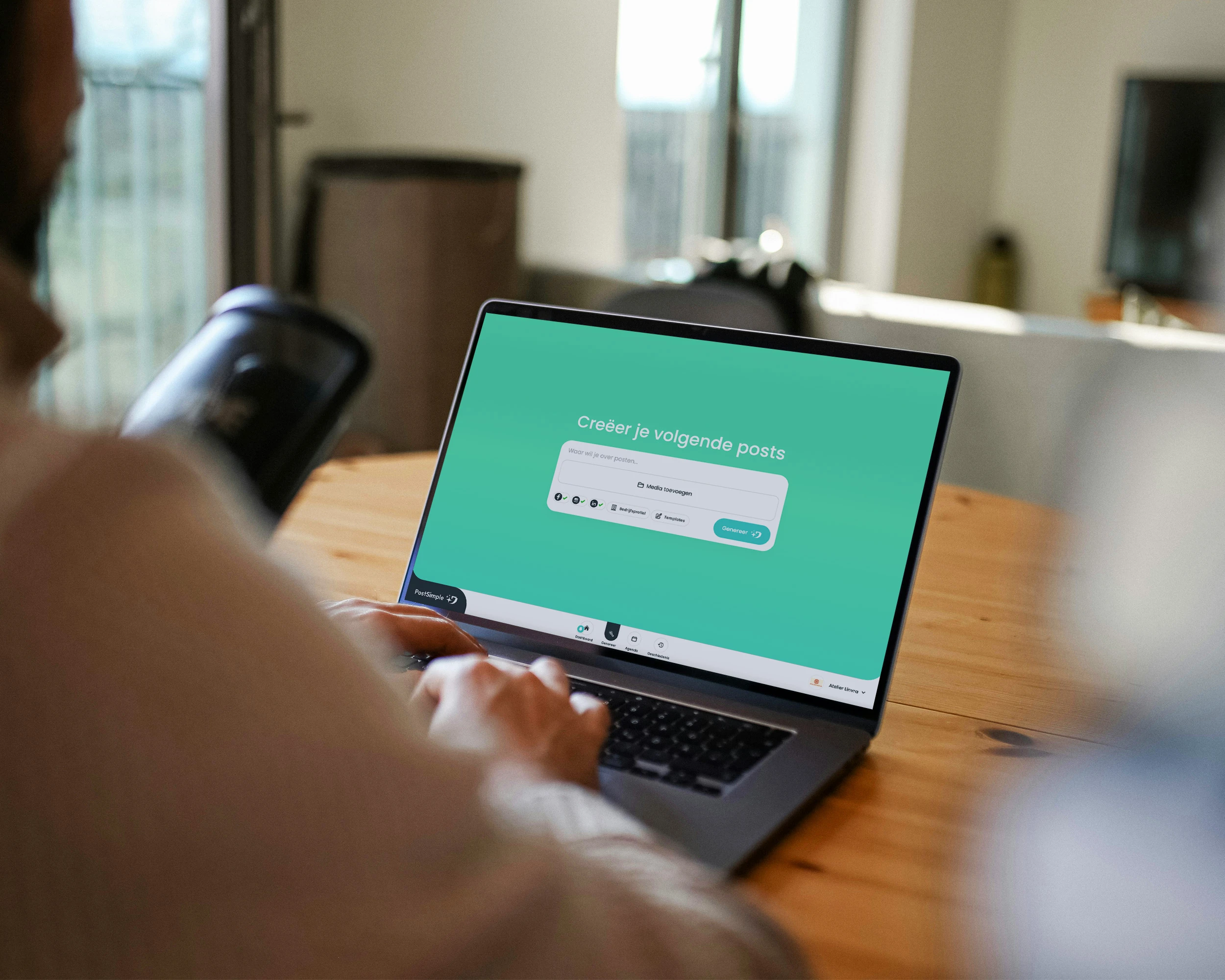
PostSimple is specifically built for entrepreneurs who want to stay visible on social media without spending a lot of time on it. The big difference from other tools: PostSimple creates your content for you. You give a prompt, optionally upload a photo, and the AI generates a complete post — including copy, a branded visual template, and publication at the optimal time.
- Channels: Facebook, Instagram, TikTok, LinkedIn, Google Business + WordPress plugin
- AI content creation: Yes — complete posts with caption and visual template
- Setup: Under 1 minute (profile is auto-filled from your website)
- Pricing: From €12.50/month (Starter), €20.83/month (Pro), €40.83/month (Supporter)
- Trial: Free, no credit card required
Pros: AI creates complete posts in your brand style, fastest setup of all tools, affordable, dedicated support. Unique: PostSimple can create fully custom templates in your brand identity — with your own colours, fonts and logo — so your social media branding looks exactly as it should.
Cons: Less suitable for large teams with complex approval workflows.
2. Buffer — simple scheduling, create content yourself
Buffer is one of the best-known social media tools and is known for its simplicity. You can schedule posts for multiple channels and view your results in a clean dashboard. According to Buffer's own research, simplicity is the main reason users choose their platform.
- Channels: Facebook, Instagram, TikTok, LinkedIn, Pinterest, YouTube, Threads, Bluesky
- AI content creation: Limited — AI assistant for text suggestions, no visual templates
- Pricing: Free plan available (3 channels), paid from $6/month per channel
Pros: Very user-friendly, free plan available, broad channel support.
Cons: You have to create all content yourself. No visual templates. Price adds up with multiple channels.
3. Hootsuite — for large teams and enterprises
Hootsuite is the enterprise standard for social media management. It offers extensive monitoring, reporting and team features. But that power comes with complexity and a hefty price tag.
- Channels: Facebook, Instagram, TikTok, LinkedIn, X, Pinterest, YouTube and more
- AI content creation: OwlyWriter AI for text suggestions
- Pricing: From $99/month (Professional), $249/month (Team)
Pros: Very comprehensive, great for large teams, strong analytics.
Cons: Expensive, complex, overkill for small entrepreneurs. No visual content creation.
4. Later — visual planning for Instagram
Later started as an Instagram-first tool and is still strongest there. It offers a visual content calendar where you can drag and drop posts. According to Hootsuite's comparison of scheduling tools, Later scores best on visual planning.
- Channels: Instagram, Facebook, TikTok, LinkedIn, Pinterest
- AI content creation: AI Caption Writer for text suggestions
- Pricing: From $25/month (Starter), $45/month (Growth)
Pros: Excellent visual planner, strong on Instagram, Linkin.bio feature.
Cons: Less suitable for channels other than Instagram. No visual templates. No Google Business.
5. Canva Pro Content Planner — design-first
Canva Pro includes a built-in content planner that lets you schedule and publish designed content directly. It's ideal if you already use Canva extensively for your visual content.
- Channels: Facebook, Instagram, TikTok, LinkedIn, Pinterest, X
- AI content creation: Magic Write for text, Magic Design for visuals
- Pricing: $15/month (Canva Pro), free plan without planner
Pros: Excellent design tools, affordable, AI features for text and visuals.
Cons: Content planner is a side feature, not the core. Limited scheduling options. No Google Business or WordPress integration.
6. Planoly — Instagram and Pinterest visual planning
Planoly, like Later, focuses strongly on visual platforms. It offers a drag-and-drop grid planner for Instagram and extensive Pinterest features.
- Channels: Instagram, Facebook, TikTok, LinkedIn, Pinterest, X
- AI content creation: Limited — caption suggestions
- Pricing: From $16/month (Starter), $28/month (Growth)
Pros: Strong visual planning, great for Instagram and Pinterest, affordable.
Cons: Limited AI features. No complete content creation. No Google Business or WordPress integration.
Comparison table
| Tool | AI content | Visual templates | Google Business | Starting price | Best for |
|---|---|---|---|---|---|
| PostSimple | Complete | Yes | Yes | €12.50/mo | Entrepreneurs |
| Buffer | Limited | No | No | Free / $6/mo | Simple scheduling |
| Hootsuite | Limited | No | Yes | $99/mo | Large teams |
| Later | Limited | No | No | $25/mo | Instagram focus |
| Canva Pro | Text + design | Yes (own) | No | $15/mo | Design-focused |
| Planoly | Limited | No | No | $16/mo | Visual planning |
Which social media planner is right for you?
The choice depends on what you need:
- You want the tool to create your content — Choose PostSimple. It's the only tool that generates complete posts in your brand style, including visual templates.
- You create content yourself and just want scheduling — Buffer is a solid, affordable choice for simple scheduling.
- You have a large team with complex workflows — Hootsuite offers the most enterprise features, if your budget allows.
- Instagram is your main channel — Later or Planoly offer the best visual Instagram planning.
- You already use Canva a lot — Canva Pro combines design and planning in one package.
Conclusion: PostSimple is the best choice for entrepreneurs
As an entrepreneur, you don't want to spend hours on social media. You want to be visible, look professional and focus on what you're good at. PostSimple is the only tool in this comparison that automates the entire process: from idea to published post, in your own style, across all channels.
Most other tools help you schedule, but you still have to create all the content yourself. PostSimple takes that off your hands — and that makes it the best social media planner for entrepreneurs who want results without the hassle.
Try PostSimple for free — no credit card required, your profile is set up in under a minute based on your website. View pricing or get started right away.