
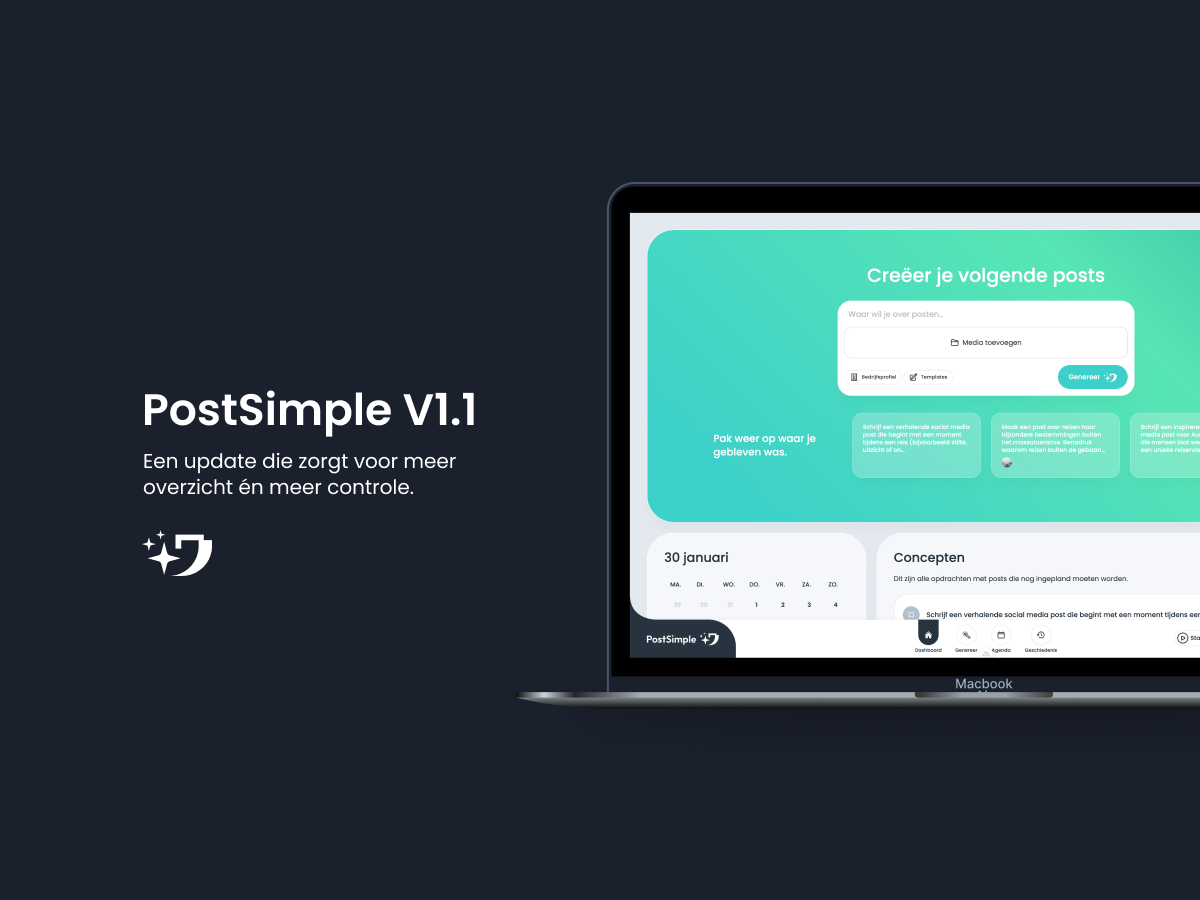
PostSimple v1.1 is live, these are the new features.
February 5, 2026
Ontdek de nieuwe functies van PostSimple v1.1. Meer overzicht, controle en flexibiliteit bij het plannen van je content. Log in en probeer het nu!
Sometimes something unexpected comes up, sometimes you want a slightly different text, and sometimes you only notice a typo afterwards. That's why we've added a highly requested feature: editing posts that are already scheduled.
With this update, you have full control over your schedule. You no longer have to delete and recreate scheduled posts. You simply adjust them, directly from your calendar.
For entrepreneurs, things are constantly changing. Your schedule shifts, you want to update something, or you want to replace an image because you found a better one. With this new functionality, you can:
When you have a post scheduled, you now see a button with an Edit icon. Once you open it, you can adjust all parts of the post. Think of the caption, the image, the template, or the scheduled date and time. After saving, your update is automatically processed in the schedule.
Want to quickly change the date? Simply drag the post in the calendar to another day.
With this new feature, you can more easily respond to changes. You don't have to worry about awkward mistakes or last-minute updates. You simply open your scheduled post, make the change, and done. This makes content planning much more manageable.
We continue working on more ways to make your workflow smoother. If you have ideas or requests, please let us know.
PostSimple grows together with you, step by step.
Binnen een minuut staat je volledige profiel klaar met de juiste informatie, toon en uitstraling van jouw bedrijf. Zo kun je direct posts laten maken die écht bij je passen. We vullen automatisch je bedrijfsprofiel in op basis van je website.