Google Search Console now tracks your social media performance: what this means for entrepreneurs
-
Tips & Strategy
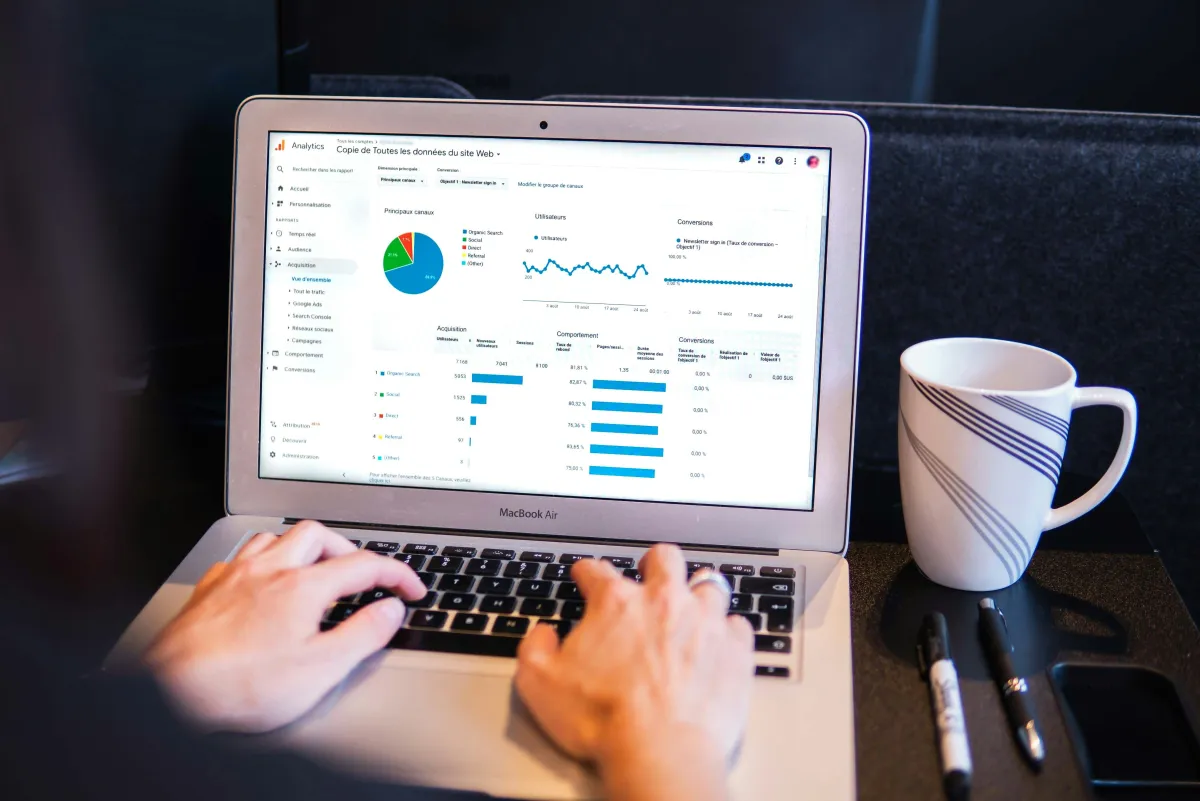

Imagine this: you post an Instagram reel about your latest product, and a week later someone searches Google for that exact product — and finds your Instagram post in the results. Until now, you had no idea this was happening. That's about to change.
Google has launched a new feature in Search Console: platform properties. This lets you see how your social media posts perform in Google Search and Discover. And the best part? You don't even need a website.
What are Google Search Console platform properties?
Google Search Console has been the go-to tool for website owners to monitor their visibility in Google for years. But until now, it was exclusively for websites. According to the official Google Search Central Blog, on July 7, 2026, Google introduced an entirely new property type: platform properties.
With platform properties, you can connect your social media accounts to Search Console and see which search terms lead people to your posts, how many clicks and impressions your posts receive, and which content performs best in Google.
Which platforms are supported?
At launch, four platforms are supported:
- Instagram — see how your posts and Reels appear in Google
- TikTok — discover which videos are found through Google Search
- X (Twitter) — monitor how your tweets perform in search results
- YouTube — gain insights into your videos beyond YouTube's own analytics
According to Search Engine Journal, this is the first time you can verify a Search Console property without owning a domain name. This makes it accessible to everyone — from freelancers to large enterprises.
What data can you see?
Once you've connected your account, you get access to three reports:
1. Performance Report
This is the core of the tool. You can see:
- Clicks: how many people click through from Google to your social media post
- Impressions: how often your posts appear in search results
- Search queries: which terms people type that lead them to your content
- Position: where your posts rank on average in search results
2. Insights Report
An overview of recent traffic patterns, your top-performing content, and how users discover you through Google. Perfect for quickly seeing what's working and what isn't.
3. Achievements
This report tracks your progress and shows milestones. Think: "You reached 500 clicks from Google Search this month." A nice motivator to keep posting consistently.
Why does this matter for entrepreneurs?
As an entrepreneur, you invest time and energy into social media content. But until now, it was impossible to measure how that content performed outside the platform itself. Platform properties change that fundamentally.
Your social media content is also SEO content
Many entrepreneurs see social media and SEO as two separate worlds. But Google increasingly indexes social media content. According to Digital Applied, Instagram posts, TikTok videos, and tweets regularly appear in search results — especially for trending topics and local searches.
With platform properties, you can now see exactly which posts are picked up by Google. This means you can align your social media strategy with search terms that actually drive traffic.
Make better content decisions
Imagine you discover that your Instagram post about "sustainable packaging" appears 200 times per week in Google Search. Now you know there's demand for this topic — and you can create more content around it. Without platform properties, you would never have known.
No website required
This might be the most remarkable aspect. Many small business owners and creators don't have a website but are very active on social media. With platform properties, they too can access Google Search Console's powerful analytics.
How to set it up
Setting it up is surprisingly simple:
- Go to Google Search Console (search.google.com/search-console)
- Click "Add property"
- Choose the platform you want to connect (Instagram, TikTok, X, or YouTube)
- Follow the authorization steps to verify your account
- Wait for data — it may take a few days before the first results appear
Note: Google is rolling out this feature gradually. You may need to wait a bit before the option becomes available for your account.
5 tips to improve your social media SEO performance
Now that you can measure how your social media content performs in Google, you can actively improve it:
1. Use keywords in your captions
Google indexes the text in your social media posts. Include relevant keywords naturally in your captions. Think beyond hashtags — focus on running text that Google can read and index.
2. Write descriptive alt text
On Instagram and TikTok, you can add alt text to your images and videos. This helps Google understand what your content is about and increases the chance of being found.
3. Post consistently about your niche
Google rewards expertise. If you consistently post about a specific topic — whether it's coffee, interior design, or accounting — you build authority that Google recognizes.
4. Repurpose high-performing content
See in Search Console that a particular post scores well? Turn it into a series. Dive deeper into the topic with follow-up posts. Google will pick up more of your content when you build a cluster around a popular theme.
5. Combine social media with your website
Have a website? Link from your social media posts to your site and vice versa. This strengthens both channels in Google's eyes.
What does this mean for the future of social media marketing?
The launch of platform properties marks a shift in how we should think about social media. It's no longer just a place to reach followers — it's also a search engine channel.
For entrepreneurs who are smart about their content, this opens up an entirely new world. Your social media posts can now work double duty: reaching your followers on the platform and new customers through Google.
How PostSimple helps
With PostSimple, you plan your social media content in advance and ensure consistent, quality posts across all your channels. By planning your content smartly with relevant keywords and descriptions, you maximize not only your reach on social media — but also your discoverability in Google.
Combine the insights from Google Search Console with thoughtful content planning in PostSimple, and you have a strategy that works on two fronts.
Conclusion
Google Search Console platform properties are a game changer for anyone active on social media. For the first time, you can measure exactly how your Instagram posts, TikTok videos, and tweets perform in Google Search. Setting it up takes five minutes, but the insights you gain can fundamentally improve your content strategy.
Don't wait until your competitors are already using this data. Set it up today and discover how your social media content performs where you least expect it: in Google.
Ready to strengthen your social media strategy? Try PostSimple for free and plan your content so it works on social media and in Google.