PostSimple v1.1 is live, these are the new features.
February 5, 2026
Ontdek de nieuwe functies van PostSimple v1.1. Meer overzicht, controle en flexibiliteit bij het plannen van je content. Log in en probeer het nu!
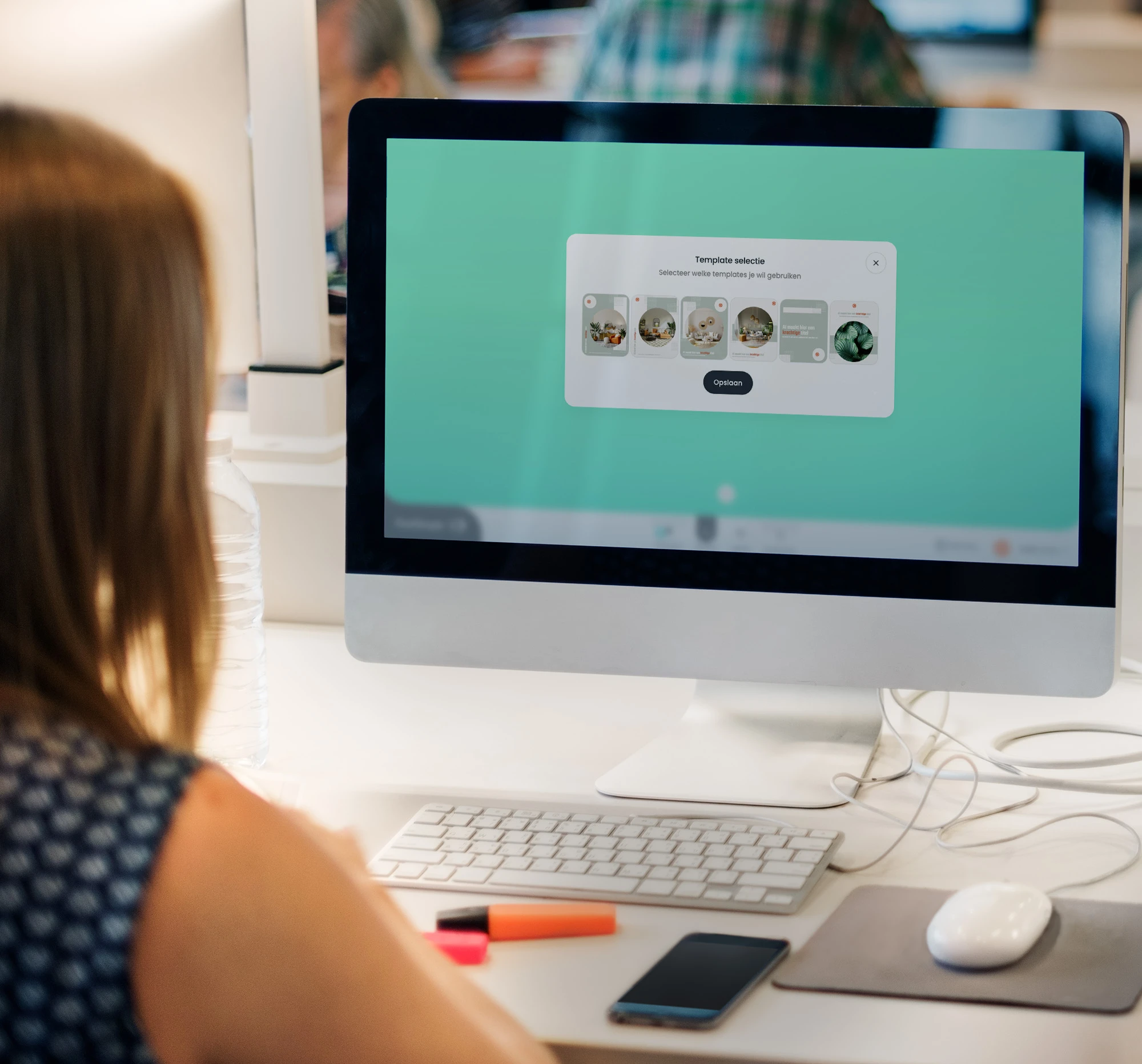
Sometimes you want full control over which templates are used when generating your posts. Now you can, thanks to our new feature: template selection. With this, you decide which templates from your template set are used, and in what order.
Each template set in PostSimple consists of multiple designs with their own layout, color usage, and application. Previously, all posts were randomly distributed across the set. From now on you can:
This gives you much more control over the final result, while still maintaining the speed and simplicity that makes PostSimple so powerful.
Template selection is especially useful when creating specific content. Think of:
Imagine you generate a batch of three posts. You select three templates from your set in advance, in the order you want to use them.
The batch follows that order precisely, giving you a tight and consistent series of posts.
Sometimes you want to generate posts that contain only text, for example:
Create 6 posts with inspiring quotes
Every template set contains at least one template without an image, specifically for this type of post.
With template selection, you can quickly choose that one imageless template, so all generated posts are perfectly aligned with the assignment.
For themed content, you often want to use a set of fixed designs that match each other.
With template selection, you compose this in advance and maintain full control over the look of your campaign.
Some templates have more emphasis on text, others on photos.
Depending on your prompt (e.g. "create 5 posts about a tip of the day" or "create a post highlighting a testimonial") you choose exactly the template that fits best.
In the template selector, you can easily:
The AI will then work exclusively with your selection.
If you select nothing, PostSimple works as always and uses the full template set.
With template selection you can:
The feature is now live for all users.
Create a new prompt or open a batch and try it out right away.
Binnen een minuut staat je volledige profiel klaar met de juiste informatie, toon en uitstraling van jouw bedrijf. Zo kun je direct posts laten maken die écht bij je passen. We vullen automatisch je bedrijfsprofiel in op basis van je website.